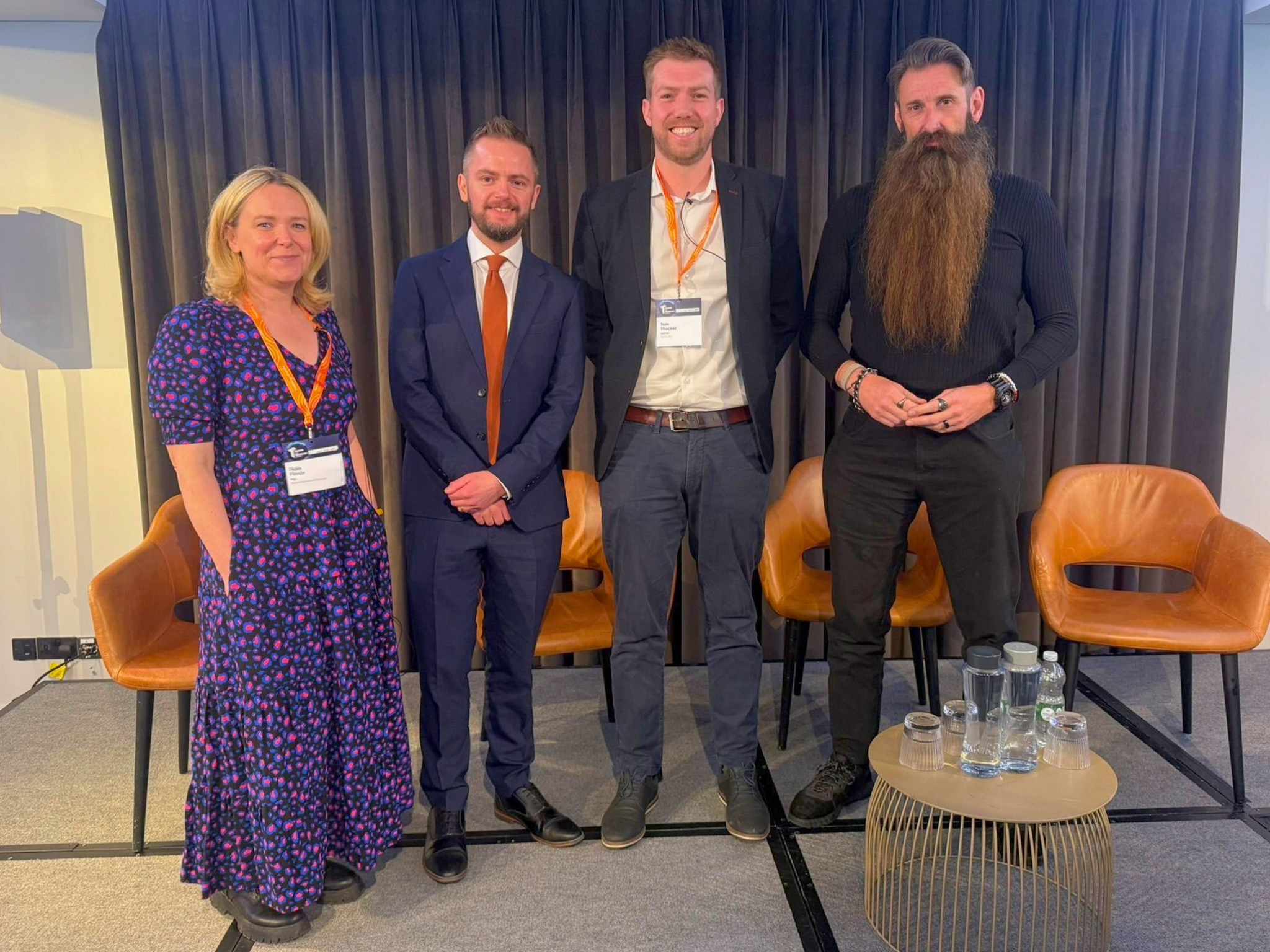
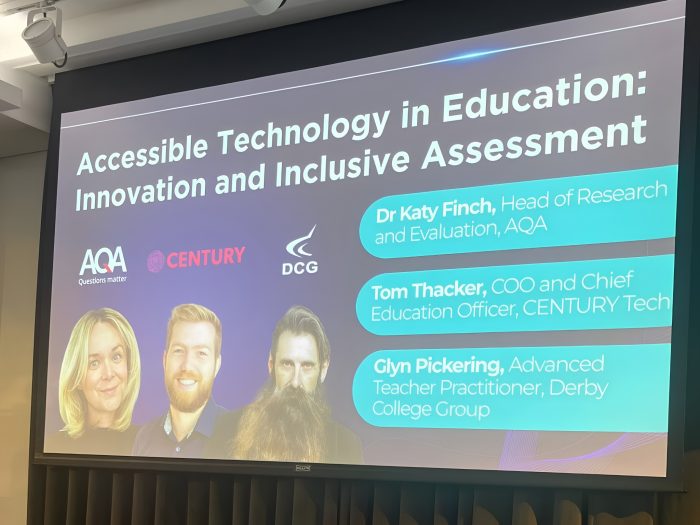
Slide from the panel session “Accessible Technology in Education: Innovation and Inclusive Assessment” at the Training and Technology Summit in London.
The high‑profile event brought together influential organisations from across the education and training sector to explore innovation in artificial intelligence (AI), accessible technology, and the future of teaching and learning.
Representing DCG in the national education conversation
Glyn’s invitation to speak at the summit reflects both his professional expertise and DCG’s growing reputation within the further education sector.
Events like the Training and Technology Summit help shape national thinking around education policy, technology adoption, and inclusive practice, making it vital that voices grounded in real classroom experience are part of the conversation.
One attendee captured the impact of Glyn’s contribution:
“Glyn Pickering (Derby College Group) captured AI’s role perfectly – where it supports the preparation and marking ‘bookends’ of education, freeing up time for what really matters in the middle: human interaction.”
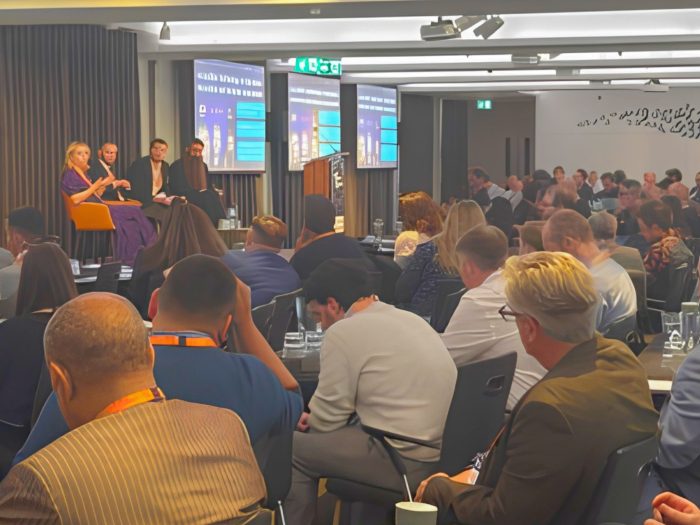
Audience attending a panel discussion on AI, accessibility and education technology at the Training and Technology Summit in London.
A national network shaping the future of education
The summit brought together a wide range of organisations working at the forefront of education, training, and assessment.
Alongside DCG, contributors included Aptem, AQA, Booost Education, Bud Systems, CENTURY Tech, Cognassist, Cornerstone VR (part of The Antser Group), EducationScape Training and Events, and GoReact (powered by Echo360).
Each organisation is tackling a different challenge within the same shared goal: using technology to make education more effective, fair, and accessible.
DCG’s presence among these contributors highlighted the importance of practitioner‑led insight in shaping how educational technology is developed and applied.
Attendees were able to engage directly with emerging technologies, ask questions, and explore practical applications for their own organisations.
Throughout these discussions, DCG’s perspective — rooted firmly in day‑to‑day teaching and learning — proved both relevant and valued.
Exploring AI, accessibility and emerging learning technologies
The Training and Technology Summit showcased a wide range of developments already beginning to reshape education, including:
- AI‑powered learning platforms designed to personalise the learner experience
- Neuro‑inclusive tools aimed at reducing barriers for students who might otherwise struggle
- Immersive virtual reality environments supporting practical and experiential learning
- Innovations in assessment design and delivery
Glyn’s panel focused specifically on how emerging technologies — particularly AI — can improve accessibility, inclusion, and learner outcomes, while also supporting educators rather than adding to workload pressures.
A central theme of the discussion was the importance of keeping the human elements of teaching at the heart of innovation.
While enthusiasm for AI in education continues to grow, the panel highlighted the need for this enthusiasm to be balanced with professional insight.
Glyn’s contribution drew on lived classroom experience, ensuring the conversation remained grounded in the realities of teaching and learning.
Key takeaway: using AI to support teaching, not replace it
One of the clearest messages from the summit was that AI is most powerful when it enhances teaching rather than replaces it.
By reducing workload pressures around planning and marking, technology can create more space for what matters most: meaningful interaction, timely feedback, and strong relationships with learners.
A message that closely reflects DCG’s organisational values; teaching is, and always will be, a fundamentally human endeavour.
As Catherine Guerrero, Head of Teaching and Learning Development, explained:
“We’re incredibly proud to see Glyn representing DCG at a national level.
“His contribution reflects our commitment to using AI and technology in ways that enhance teaching, support inclusion, and give educators more time to focus on what matters most, our students.”
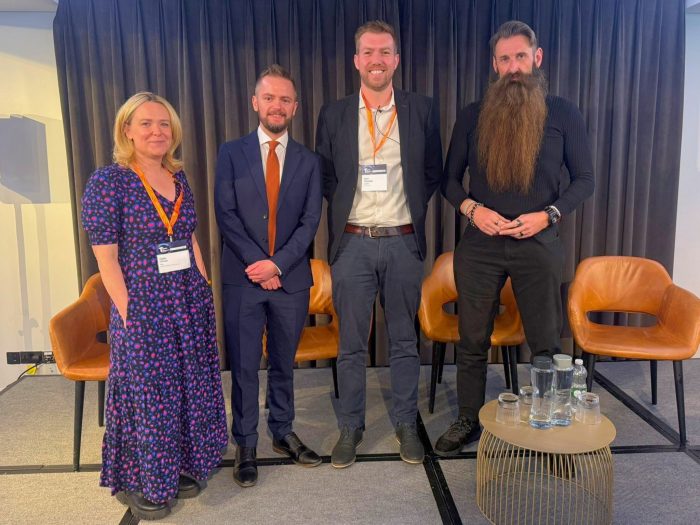
Panel speakers on stage during an education and technology discussion at the Training and Technology Summit in London.
Why this matters for DCG
DCG’s involvement in the panel reinforces its commitment to innovation, accessibility, and evidence‑informed practice.
As national conversations around AI in education continue to evolve, the voices of experienced practitioners help ensure that new developments remain focused on the real needs of both students and staff.
It is easy for discussions about technology to become disconnected from the classroom. Glyn’s presence at events like this helps prevent that, ensuring that the tools being designed and promoted are informed by practical teaching experience.
This also reflects a wider culture at DCG: one that values professional expertise, supports staff engagement in national conversations, and contributes meaningfully to the future of further education.
DCG is proud to have practitioners like Glyn contributing to national conversations about the future of education.